Introduction
When Apple first introduced the “Always on Display iPhone” feature to the iPhone lineup, it signaled a significant leap toward a more seamless and intuitive user experience. Traditionally reserved for Android smartphones and smartwatches, this feature finally made its way to Apple’s ecosystem with the iPhone 14 Pro and iPhone 14 Pro Max.
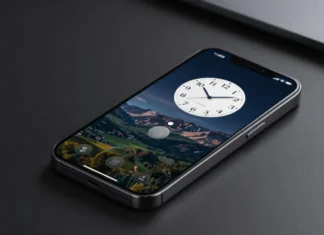
The Always-On Display feature on iPhone is designed to keep essential information visible at a glance, even when the device is locked. Introduced with the iPhone 14 Pro and 14 Pro Max, and also available on the iPhone 15 Pro models, this feature utilizes advanced LTPO OLED display technology that can drop the refresh rate to as low as 1Hz to preserve battery life. With Always-On Display enabled, users can see the time, widgets, and notifications without tapping the screen.
The move not only underscored Apple’s commitment to innovation but also highlighted the growing demand for smarter, more accessible device interactions. But what exactly is Always on Display (AOD), how does it function, and what role does it play in enhancing everyday usability for iPhone users?
Here’s a detailed table summarizing key aspects of the Always-On Display (AOD) feature on iPhone:
| Feature | Details |
|---|---|
| What Is It? | A feature that keeps essential info (like time, widgets, and notifications) visible on the screen even when the iPhone is locked. |
| Supported iPhone Models | iPhone 14 Pro, iPhone 14 Pro Max, iPhone 15 Pro, iPhone 15 Pro Max |
| Display Technology Used | LTPO (Low-Temperature Polycrystalline Oxide) OLED |
| Minimum Refresh Rate | 1Hz (for battery efficiency) |
| Battery Impact | Minimal — typically 3–5% extra usage per day |
| Customizable Elements | Time, widgets, wallpaper, notifications |
| Settings Location | Settings → Display & Brightness → Always On Display |
| Can It Be Turned Off? | Yes, manually via Settings |
| Privacy Options | Notifications can be hidden; Face ID required to view full content |
| Burn-In Protection | Yes — Apple uses pixel shifting and dimming to avoid screen burn-in |
| Auto-Disable Conditions | Face-down, pocket/bag, Sleep Focus, Low Power Mode, Apple Watch proximity |
| Focus Mode Integration | AOD adapts to modes like Sleep, Do Not Disturb |
| Third-Party Widget Support | Limited to native apps (as of now) |
| Introduced In | iPhone 14 Pro lineup with iOS 16 |
What is Always on Display iPhone?
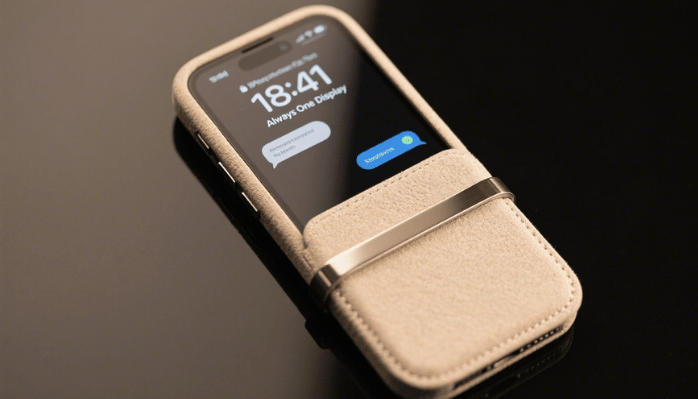
Always on Display is a screen feature that allows select information to remain visible on your iPhone, even when the device is locked and idle. Typically, this includes basic yet crucial elements such as the time, date, widgets, app notifications, and even a dimmed version of your wallpaper.
Apple has also built in smart functionality such as turning off the display when the phone is face down, in a pocket, or when Sleep Focus or Low Power Mode is activated—to save power. The feature is customizable, allowing users to choose whether to show wallpaper, notifications, or just basic information. This makes Always-On Display a useful and energy-efficient way to stay informed without constantly waking your iPhone.
Unlike a fully illuminated screen, AOD utilizes a low-power display state that keeps key information readily accessible while conserving battery. It’s designed to offer users the convenience of staying informed without the need to constantly wake or unlock their device.
The Always on Display operates in a subdued, low-brightness mode that integrates seamlessly into the iPhone’s visual language. By dimming the background and using minimalistic visual elements, it ensures that the screen is never overly distracting yet always informative. It’s an elegant solution for staying connected while remaining discreet.
How Does It Work?

The magic behind the Always On Display lies in the LTPO (low-temperature polycrystalline oxide) OLED display technology featured in the iPhone 14 Pro models. This advanced technology allows the screen to support a dynamic refresh rate that can scale from a high of 120Hz down to an ultra-efficient 1Hz. When the iPhone is idle, the display refreshes just once per second, drastically cutting down on power usage.
In addition to hardware efficiency, Apple incorporates intelligent software that manages AOD functionality based on context. For instance, the display automatically turns off when the phone is placed face down, tucked into a pocket or bag, or during a scheduled Sleep Focus period. These smart optimizations ensure that the feature doesn’t waste energy when it isn’t needed, maintaining a balance between usability and battery preservation.
Customization and Control
One of the standout aspects of Apple’s Always on Display implementation is its customizability. With iOS 16 and beyond, users can tweak the feature to suit their preferences. You can choose whether you want the wallpaper to appear on the AOD screen or keep it completely black for even less distraction. You can also control whether notifications appear in real-time on the locked screen.
Moreover, Apple has integrated the feature with Focus modes, allowing for context-specific behavior. For instance, if you enter Do Not Disturb or Sleep Focus, AOD can be configured to hide notifications or even turn off entirely. This level of control enhances personalization and ensures that your phone adapts to your lifestyle and habits.
Battery Impact
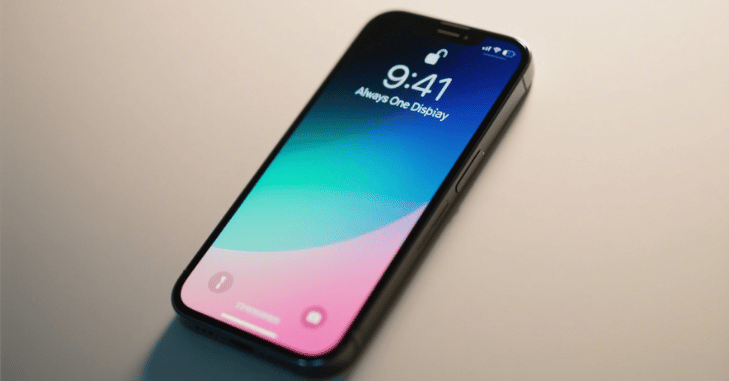
A common concern with Always On Display is its potential impact on battery life. Understandably, users might worry that keeping part of the screen active all the time would drain the battery quickly. However, Apple has optimized the feature extensively to mitigate such issues. Thanks to the 1Hz refresh rate and OLED technology, only the necessary pixels are illuminated at a minimal power level.
In real-world testing, the battery impact of AOD on iPhones is remarkably low. Most users report only a 3-5% difference in battery consumption over a day. Additionally, with intelligent system management turning AOD off in low-use scenarios, the feature achieves impressive efficiency. If battery life is a critical factor for you, Apple even allows you to disable AOD entirely through the settings.
Why It Matters?
The Always on Display may seem like a minor convenience, but it plays a crucial role in transforming users’ engagement with their iPhones. It removes the need for repeated taps or lifts to check the time or glance at a notification. This might sound small, but for a day—or a year—those little moments add up.
Imagine you’re in a meeting, driving, cooking, or lying in bed. Being able to get essential information at a glance without actively engaging with the phone means fewer distractions and a more streamlined interaction. This feature is ideal for professionals, fitness enthusiasts, or anyone who values efficiency in digital life. It’s a quiet assistant, always there, always helpful.
Future Potential and User Reception
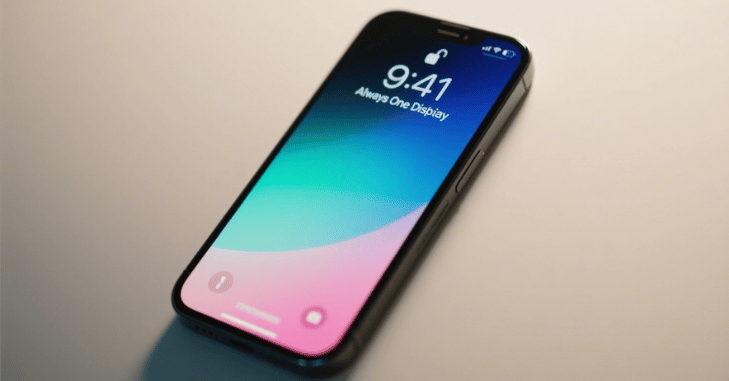
User reception to Always on Display has been overwhelmingly positive. Apple’s thoughtful integration and attention to detail, such as adaptive brightness and contextual intelligent behavior, have made it more than a gimmick. As this technology matures, we can expect more advanced features, like interactive widgets or glanceable updates that further extend its usefulness.
Future iOS updates could also allow for deeper customization. Apple could eventually allow users to fully customize their AOD layout, add third-party widget support, or create interactive elements for more dynamic engagement. With Apple’s focus on personalization, the future of AOD looks promising.
Conclusion
The Always on Display feature on iPhones represents far more than a cosmetic tweak or aesthetic novelty. It combines cutting-edge LTPO display technology, energy-efficient OLED panels, and intelligent software to deliver a refined and user-focused enhancement. By offering instant access to information with minimal intrusion, AOD changes how we relate to our devices—quietly, efficiently, and meaningfully.
As Apple continues to innovate and expand the capabilities of Always On Display, it’s clear that this feature is more than a passing trend. It’s a cornerstone of the modern smartphone experience, prioritizing accessibility, personalization, and simplicity, even when your phone appears asleep.
Want to know about ‘Python for DevOps: Automating Infrastructure with Python Tools ‘? Check out our ‘AI Tech‘ category.
FAQs
Always-On Display (AOD) keeps your iPhone screen partially active to show valuable information like the time, widgets, and notifications—even when the phone is locked.
Those models lack the LTPO OLED display technology to support low-power Always-On Display functionality.
Yes. Depending on your privacy settings, sensitive notifications can be hidden or require Face ID to view in full.
No. Apple uses dynamic screen shifting and dimming techniques to prevent screen burn-in.
For more on innovative smartphone features like Always-On Display, check out our article on Stay Hydrated Stay Branded.
The Always-on Display feature on iPhone utilizes advanced LTPO OLED display technology, similar to what’s used in the 4 Ways to Boost Twitter Followers article.
The Always-on Display feature on iPhone utilizes advanced LTPO OLED display technology, similar to what’s used in 4 Ways to Boost Twitter Followers devices.
The Always-on Display feature on iPhone utilizes advanced LTPO OLED display technology, similar to what’s used in the 4 Ways to Boost Twitter Followers article.