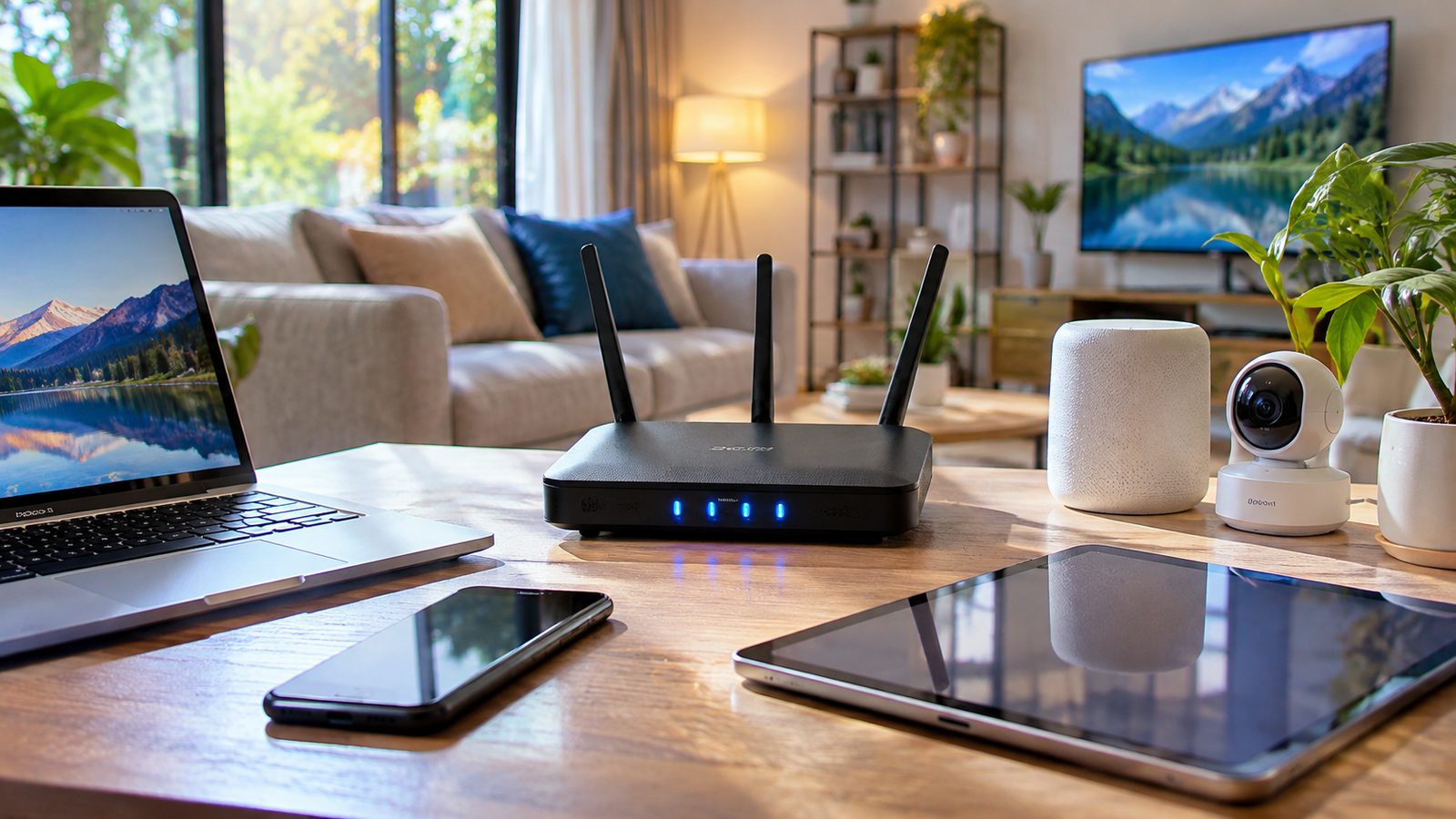
If you searched for WLAN meaning, the letters stand for Wireless Local Area Network. It connects nearby devices without requiring Ethernet cables between them. Most home and office Wi-Fi networks are common examples. A wireless local area network connects devices within a limited area using radio signals instead of network cables. It commonly links phones, laptops, smart TVs, printers, and other devices through a wireless router or access point. Most modern wireless LANs use technologies based on the IEEE 802.11 family of standards.
Quick Facts About Wireless Local Area Networks
| Topic | Key information |
|---|---|
| Full form | Wireless Local Area Network |
| Main purpose | Connect nearby devices wirelessly |
| Common locations | Homes, offices, schools, cafés, airports |
| Typical technology | Wi-Fi based on IEEE 802.11 standards |
| Common frequency bands | 2.4 GHz, 5 GHz, and newer 6 GHz networks |
| Main hardware | Wireless router or access point |
| Typical devices | Phones, laptops, tablets, printers, smart devices |
| Internet required? | No. A local wireless network can exist without internet access. |
Key Takeaways
- A wireless LAN covers a limited geographic area.
- Wi-Fi is the technology most people use to create one.
- A router or access point usually provides the wireless connection.
- Wireless LAN and internet access are related, but they aren’t identical.
- Password protection and modern encryption help protect wireless connections.
WLAN Meaning in Simple Terms
A wireless local area network is the wireless version of a traditional local network. Instead of running cables to every device, it uses radio signals. The network normally covers a home, office, building, or similar location. Standards-focused definitions describe it as wireless infrastructure operating within a limited geographic area. Those definitions also note that these networks often extend existing wired local networks. That design gives users more mobility while retaining access to local resources. For everyday users, the easiest example is the wireless network inside a home. Your phone connects to a router without an Ethernet cable. Your laptop and smart TV can join the same local network.
How Does a Wireless LAN Work?
A wireless router or access point sends and receives data through radio signals. Compatible devices detect the network and request permission to connect. The access point then handles communication between those wireless devices and other network resources. Your network name is commonly called the SSID, or Service Set Identifier. It is the name shown when your phone displays nearby Wi-Fi networks. A password and security protocol normally control who can join. Once connected, devices can communicate with local resources or reach the internet. Internet access depends on the router having a connection through an internet service provider. A local wireless connection can still function without outside internet service. For more practical technology explainers, TechPufy readers can also browse the site’s Technology section. It covers computers, mobile devices, software, and other everyday technology topics. Those guides can help explain the devices commonly connected to home networks.
Is WLAN the Same as Wi-Fi?
The two terms are closely related, but their meanings aren’t completely identical. A wireless local area network describes the network itself. Wi-Fi describes widely used technology for creating that type of network. Networking vendors explain that wireless LANs connect colocated devices using radio transmissions. Modern Wi-Fi networks commonly use IEEE 802.11 standards. In normal conversation, people often use Wi-Fi and wireless LAN interchangeably. The distinction becomes easier when you separate structure from technology. The network is the system connecting nearby devices. Wi-Fi is the technology that usually provides those wireless connections.
WLAN vs. LAN: What’s the Difference?
A LAN, or Local Area Network, connects devices across a limited geographic area. A traditional wired LAN commonly uses Ethernet cables between computers, switches, and routers. A wireless LAN provides similar local connectivity without requiring cables for every endpoint.
| Feature | Wireless LAN | Wired LAN |
|---|---|---|
| Connection | Radio signals | Ethernet cables |
| Mobility | High | Limited by cables |
| Installation | Usually easier for mobile devices | Requires physical cabling |
| Interference | Can be affected by radio interference | Usually less affected |
| Security | Requires strong wireless security | Physical access adds another barrier |
| Common use | Phones, laptops, tablets | Desktops, servers, fixed equipment |
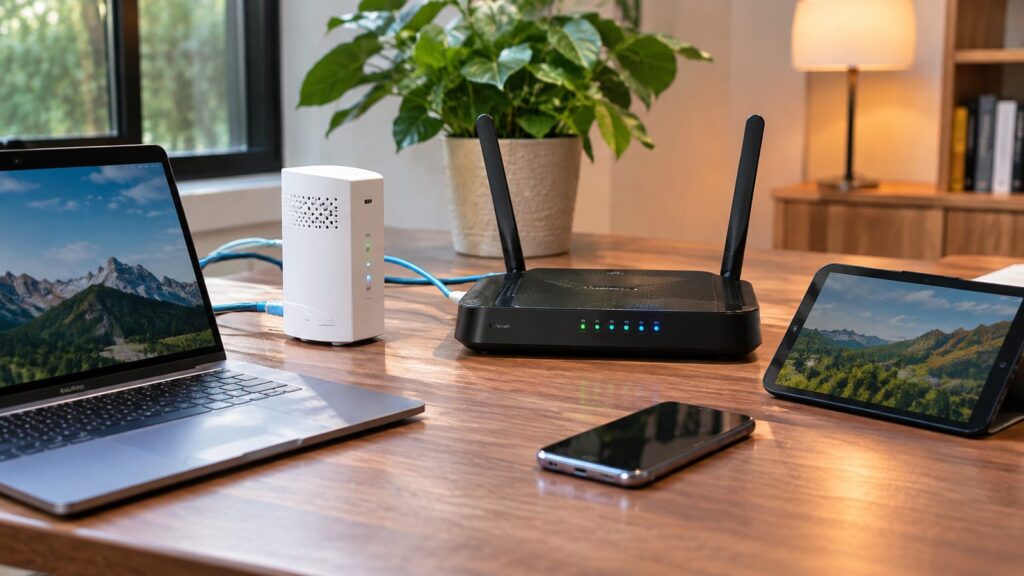
Wired connections can still be useful where stable performance matters most. Wireless connections are convenient when people move between rooms or use portable devices. Many American homes and businesses combine both connection types. A desktop computer might use Ethernet while phones connect wirelessly. Both devices can still belong to the same local network. This mixed arrangement provides flexibility without removing wired connections.
What Equipment Does a Wireless Network Need?
Most U.S. homes use a wireless router supplied by an internet provider or purchased separately. That device often combines several networking functions in one unit. It can route traffic, provide Ethernet ports, and broadcast Wi-Fi. Larger offices may use separate access points across different rooms or floors. Multiple access points can provide broader coverage while maintaining one network experience. Enterprise systems also use additional management and security equipment. Cloud providers explain that access points connect wireless endpoint devices with network infrastructure. Phones and laptops communicate with those access points through radio signals. The access points can then forward traffic toward local systems or the internet. Readers comparing connected hardware can browse TechPufy’s Gadgets and Apps section. It includes guides covering devices and software used in everyday technology setups. Those topics often overlap with home connectivity decisions.
Common Wireless Frequency Bands
Modern Wi-Fi commonly operates on the 2.4 GHz and 5 GHz bands. Newer equipment may also support 6 GHz connections. Each band has different performance and compatibility characteristics. The 2.4 GHz band generally offers good range through a typical home. It also has fewer non-overlapping channels and can encounter more congestion. Many older smart-home devices support this band. The 5 GHz band can provide more capacity and less congestion in many environments. Its useful range can vary based on walls and building materials. Modern routers often let compatible devices select an appropriate band automatically. The 6 GHz band is available on newer Wi-Fi generations and compatible equipment. It offers additional wireless spectrum for supported devices. Older phones, laptops, and smart devices may not support it.
Is a Wireless LAN Secure?
Wireless networks can be secure when configured correctly. The biggest problems usually appear when networks use weak passwords or outdated protection. Open networks also expose users to greater risk. Use a long, unique Wi-Fi password and enable the strongest security mode your equipment supports. Keep router firmware current and change default administrator credentials when necessary. Avoid sharing administrator access with people who only need normal Wi-Fi access. The TechPufy Security section covers related digital safety topics. These guides can help readers understand broader security risks around connected devices. Good network habits form one part of safer device use. Public Wi-Fi deserves additional care because you don’t control its configuration. Confirm the correct network name before connecting at hotels or airports. Avoid sensitive activity on networks that appear suspicious or imitate legitimate names.
Wireless LAN vs. Internet Connection
Your wireless network and your internet service perform different jobs. The wireless network connects nearby devices to your router or access point. Your internet connection links that local network to services outside your home. This distinction explains why Wi-Fi can appear connected during an internet outage. Your phone may still communicate with the router successfully. The router might simply have no working connection to your internet provider. You can test this by checking several devices on the same network. If every device loses internet access together, the router or provider may be responsible. If only one device fails, its settings may need attention. If a connection keeps dropping, TechPufy’s guide to fixing Wi-Fi that keeps disconnecting on Windows 10 walks through practical steps. It can complement basic network troubleshooting for Windows users.
Where Are Wireless LANs Used?
Homes are among the most familiar examples in the United States. A single router may connect televisions, phones, computers, game consoles, and smart-home equipment. That setup lets many devices share the same internet connection. Businesses use wireless networks for employee laptops, phones, scanners, tablets, and other equipment. Schools may use them throughout classrooms and libraries. Airports, hotels, hospitals, and cafés also provide wireless access. Large networks can use many access points while presenting one familiar network name. Users can move through covered areas while their devices change between access points. The exact behavior depends on equipment and network configuration.
Advantages and Limitations
Wireless networking reduces the need to install a cable at every desk or device location. It also supports portable devices that move throughout a building. Adding another compatible device is often simple. Wireless performance can change because radio signals share physical space with other transmissions. Walls, distance, competing networks, and device capabilities can affect results. Wired Ethernet can remain useful for fixed devices needing consistent connectivity. Security also requires active configuration rather than relying on physical cables. Strong passwords, current encryption, and updated equipment matter. Network owners should review these settings periodically.
Frequently Asked Questions
What is the WLAN meaning on a phone?
On a phone, the term refers to wireless local networking, usually through Wi-Fi. Some device menus use “WLAN” instead of “Wi-Fi.” Selecting that menu normally shows nearby wireless networks you can join.
Does a wireless LAN require internet access?
No, a local wireless network can operate without internet access. Devices may still communicate with printers, storage devices, or other local systems. Internet access requires a separate connection from the network to an internet provider.
Is a router the same as a wireless network?
No, a router is a device, while the network is the connection between devices. Many home routers include built-in wireless access point functions. That combination lets one box provide routing and Wi-Fi.
Is WLAN better than Ethernet?
Neither option is always better for every situation. Wireless networking favors mobility and easy device connections. Ethernet often suits fixed equipment where stable wired performance is preferred.
Why does my device say WLAN instead of Wi-Fi?
Manufacturers sometimes use different menu labels for the same everyday function. “WLAN” emphasizes the network type, while “Wi-Fi” identifies the commonly used wireless technology. In normal device settings, both labels usually lead to wireless network controls.
The Bottom Line
A wireless local area network lets nearby devices communicate without cables. Wi-Fi is the technology most Americans encounter when using these networks. Understanding the distinction can make router settings and connection problems easier to understand. For most home users, the concept is straightforward. Your router broadcasts a local wireless network, and compatible devices connect to it. The router can then provide access to local resources and the internet. If you’re troubleshooting a connection, start by separating Wi-Fi from internet service. Check whether your device can reach the router first. Then determine whether the router itself has working internet access. —